
[Claude Code for Devs-Part2] Architecting To-Do Dashboard Agent

In the previous article, we discussed the five MD files to create an Agentic AI system.
![[Claude Code for Devs-Part1] Claude Code Essential MD Files](https://substackcdn.com/image/fetch/$s_!w7J2!,w_140,h_140,c_fill,f_webp,q_auto:good,fl_progressive:steep,g_auto/https%3A%2F%2Fsubstack-post-media.s3.amazonaws.com%2Fpublic%2Fimages%2Fa9472e71-1c62-4ba1-aa91-c1c2ba8bb53a_1590x896.png)
In this article, we’ll start designing a simple To-Do Task List app using Claude Code with those 5 MD files. Although this article focuses on the architecture rather than the implementation, I prefer to start by installing the IDE with the Claude Code Extension. You can use Cursor or other IDEs if you like; they also have Claude Code Extension. However, I’ll use VS Code, as that is what I use daily.
Set up your IDE
Download and install Visual Studio Code and install the additional components. It is easy to follow from this site: https://code.visualstudio.com/docs/setup/setup-overview
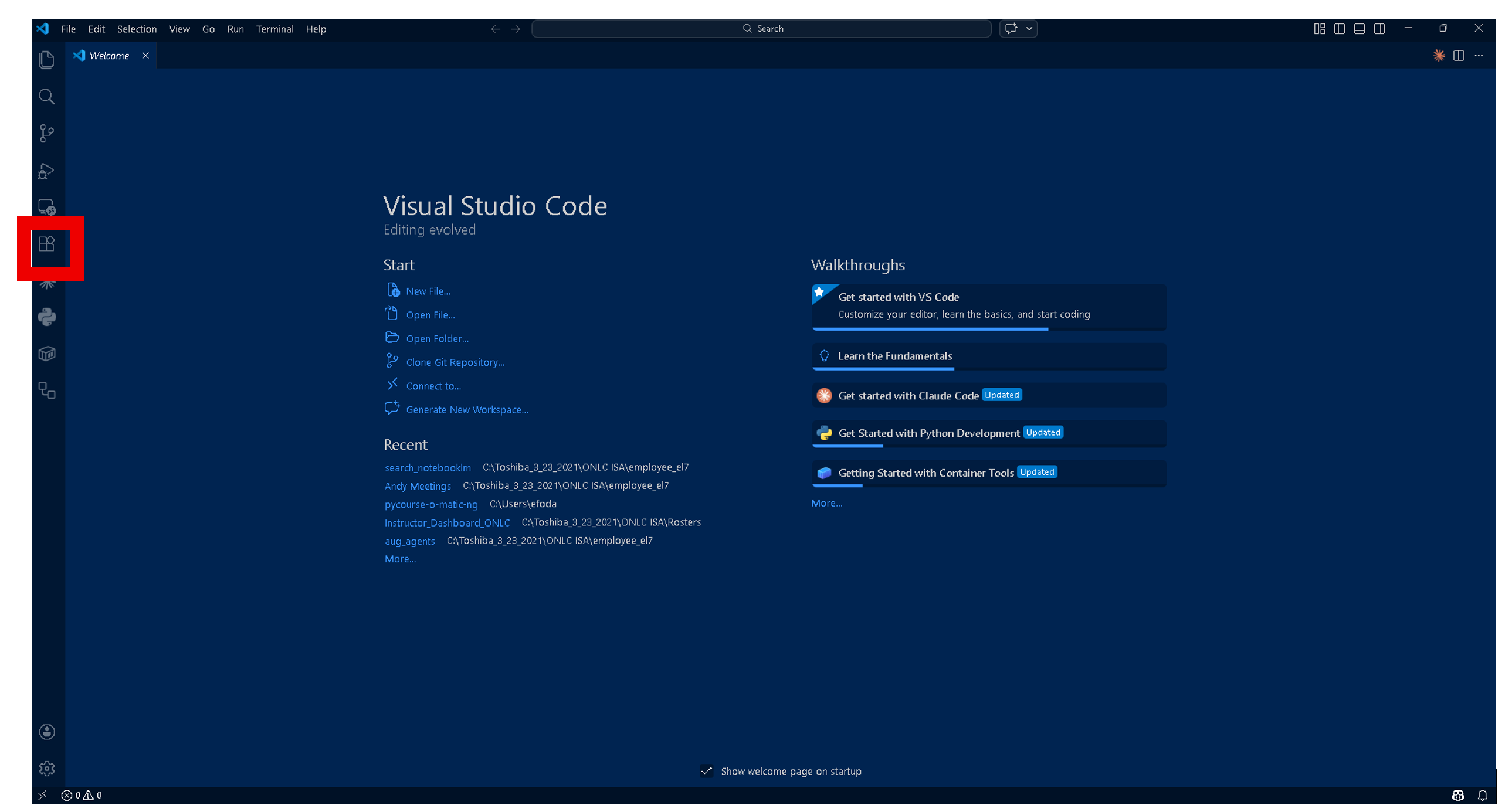
Click Extensions in the left panel, as shown in the Figure below.
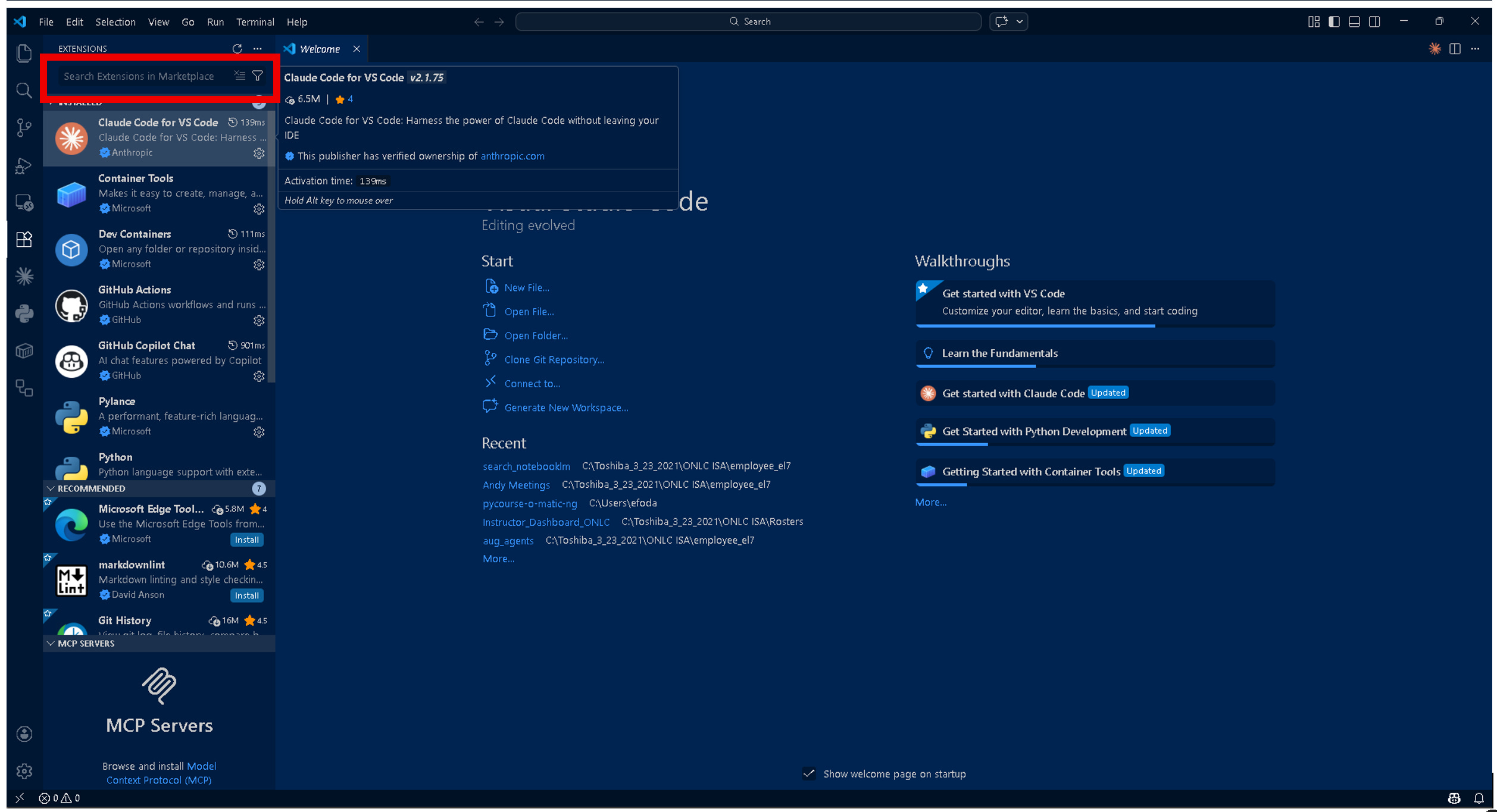
Type “Claude Code” in the Extension Search textbox that is highlighted in the Figure below. I already have it installed, as shown in the Figure.
4. Create our project folder and open it in VS Code, and let’s start planning now to implement it in the next article.
Project Introduction
When you open a repo in Claude Code, there is one markdown file it cares about more than any other:
CLAUDE.md.
Claude Code looks for claude.md first, reads it automatically, and uses it as the entry point for understanding what this project is and how it should behave.
